Designing Professional Audio Equipment
Professional audio equipment are used in dim studios, bright outdoor venues, busy control rooms and high-pressure live environments. Operators may be wearing headphones, watching several screens, speaking to crew and adjusting multiple devices at once. This means clear visual controls are important for accuracy and quick operation.
Four main components that are often found on professional audio equipment:
- Illuminated push buttons
- Rotary encoders
- Navigation modules
- Programmable LCD components
Illuminated Push Buttons
Illuminated push buttons combine input and visual feedback in one compact component. They are ideal for functions with a clear state, such as mute, solo, record, power, talkback and channel selection.
Our PCB switch series, including the SPD and PB613 ranges, provide compact PCB-mounted options for equipment where panel space is limited. Both ranges are available with LED illumination, along with custom symbols or text on the caps.
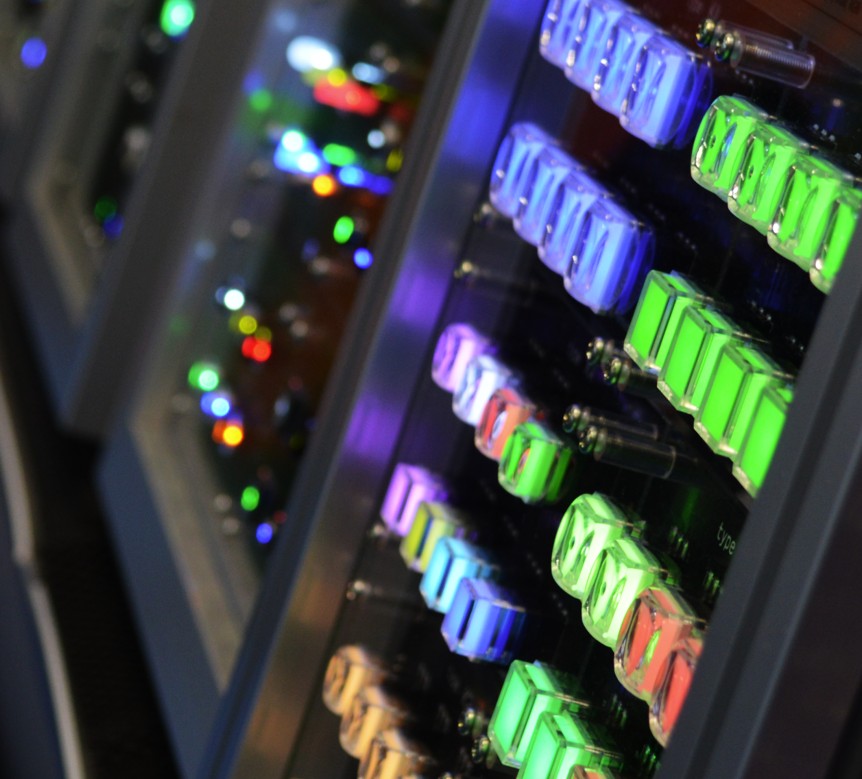
Illumination provides clear feedback in dimly lit studios and helps operators see which functions are active. Mixer desks can contain a large number of similar controls, so colour and brightness make each function easier to identify.
Our SPG series offers LED illumination with a smooth and silent push. This is useful in recording, broadcast and studio environments where unwanted switch noise could be picked up on microphones.
Rotary Encoders
Rotary encoders are well suited to professional audio equipment because they can control many different functions while taking up little panel space.
Unlike a standard potentiometer, many rotary encoders do not have a fixed minimum or maximum position. Their function can change depending on the selected channel, page or operating mode. The same encoder could be used to adjust equalisation, volume or channel selection.
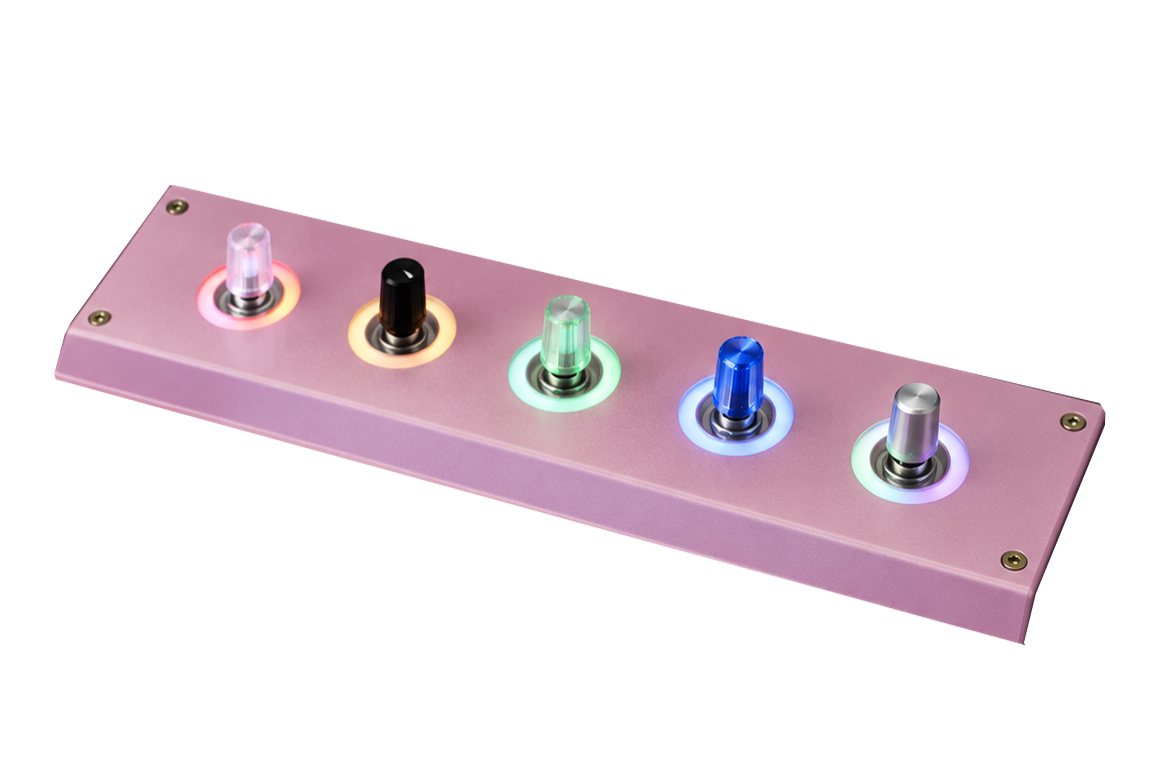
Illuminated versions can also use an LED ring to show the current setting or operating state. This gives the operator visual feedback without needing to look at a separate display.
Navigation Modules
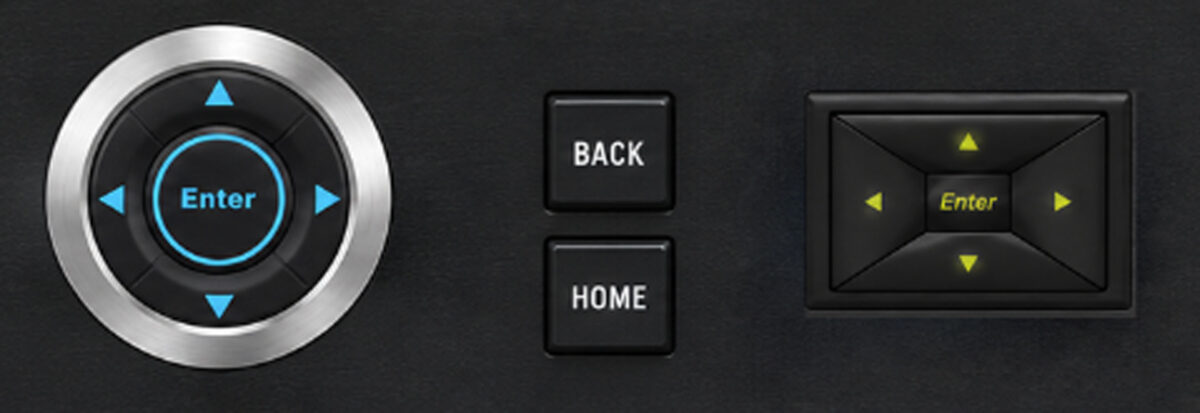
Modern audio equipment often includes more functions than can fit on individual buttons. Navigation modules provide directional keys, selection buttons and menu controls in one compact unit.
They can be used to move through settings or select channels. Clear arrows, legends and illuminated indicators help the operator understand which action is being selected.
Navigation modules are particularly useful when equipment includes a screen or menu system. They give the operator a physical way to move through the software.
Programmable LCD Components
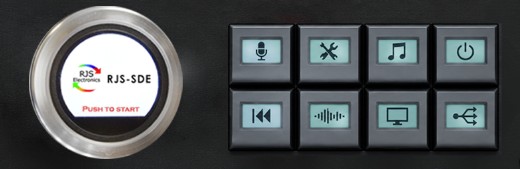
Instead of assigning a separate control to every command, manufacturers can use interfaces such as SPI to control mulitple function and behaviour through software. For example, the RJS-SLC uses a programmable 0.42-inch, 72 × 40-pixel OLED display, allowing its label or icon to change with the selected function. The RJS-SDE-3 combines a full-colour circular display, rotary adjustment, push-button selection, illumination, and CAN bus communication in one component. These programmable controls provide flexible, space efficient interfaces for mixers, broadcast systems, video controllers, and more.
Designing the Controls as One System
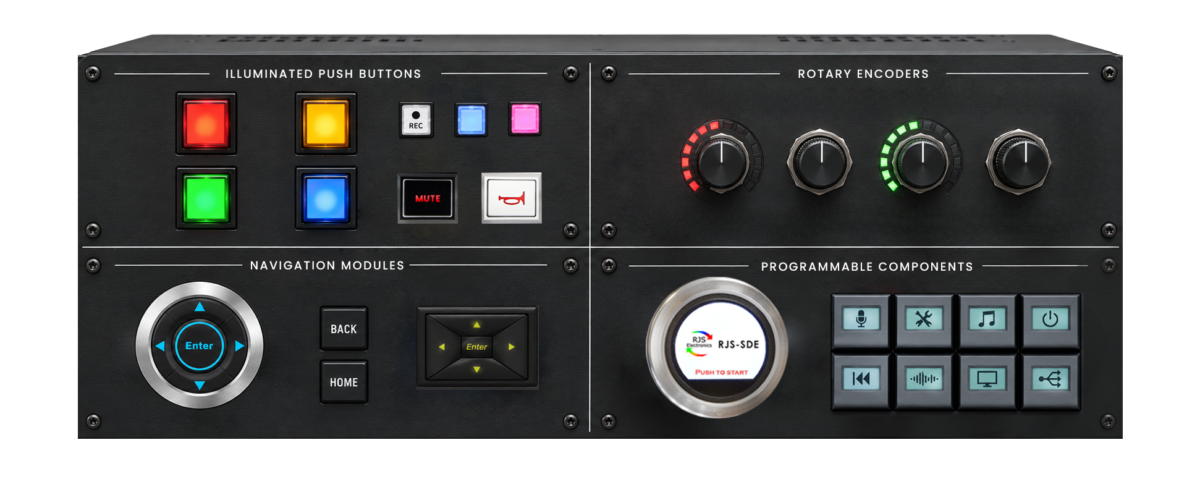
How illuminated buttons, encoders, navigation modules and programmable displays work together will depend on the type of equipment.
On a mixing console, illuminated buttons can provide immediate status information for functions such as mute, solo and channel selection. Encoders can be used for precise adjustments such as gain, equalisation and pan. Navigation modules allow operators to move through menus and stored settings, while programmable LCD components can display different values as the controls change function.
Together, these components help operators make quick and accurate adjustments, confirm which settings are active and manage more complex audio functions without overcrowding the control panel.
Interested in our products? Speak to us today!
How to place an order?
We operate Monday – Thursday (8 am – 5 pm) and Fridays (8 am – 4.30 pm)
Call us on +44 (0) 1234 213600 to speak to our Sales Engineers or e-mail us
on sales@rjselectronics.com alternatively, leave us a message using our online contact form.
View our full product range here | Download our recent product catalogue
Switch on.
Sign up to our mailing list for the latest news, product notification and so much more!
Just one click away…